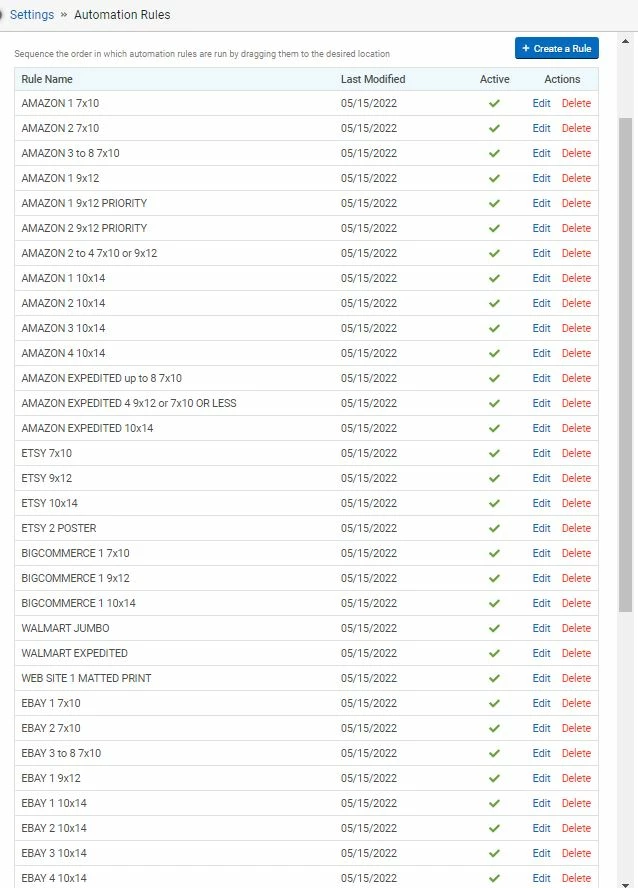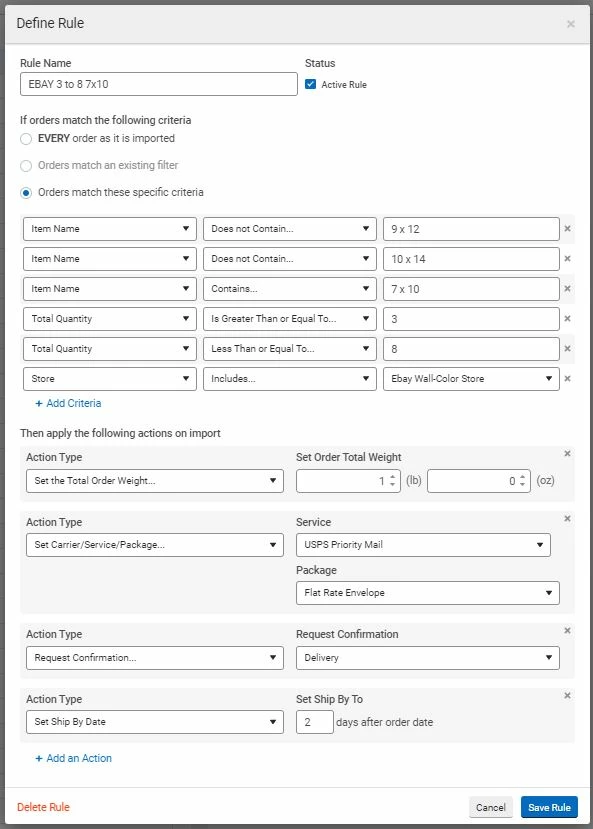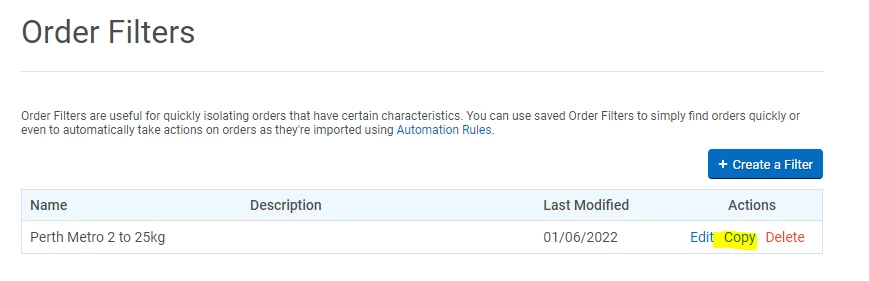
The one thing I really wanted you didn't add to the new version: A DUPLICATE button for Automation Rules. If I have a rule with 20 different attributes and want to adjust it for a different status (like just change the weight and that's it), I have to RECREATE THE ENTIRE RULE FROM SCRATCH. That's ridiculous. You know how long that takes if you use this feature a lot? I have about 50 of them and every time I need to create a new set, I dread it because you don't have a simple way to (1) select a current rule (2) select DUPLICATE (3) change the ONE LITTLE ITEM I want to change and then (4) Name it and Save it. But no, I have to recreate it from scratch. And what's even worse -- I can't have the old one open to LOOK AT IT at the same time I'm creating the new one, so I have to TAKE A SCREENSHOT OF IT and have it up while I'm making the new one. That is just a ridiculous User Interface. Please fix that and add a DUPLICATE button. Thank you in advance! I'll just be over here slaving over Automation Rules while you work on that...