It is astounding. In the LEGACY app, you can conveniently manage return labels. In the NEW one, still NOPE.
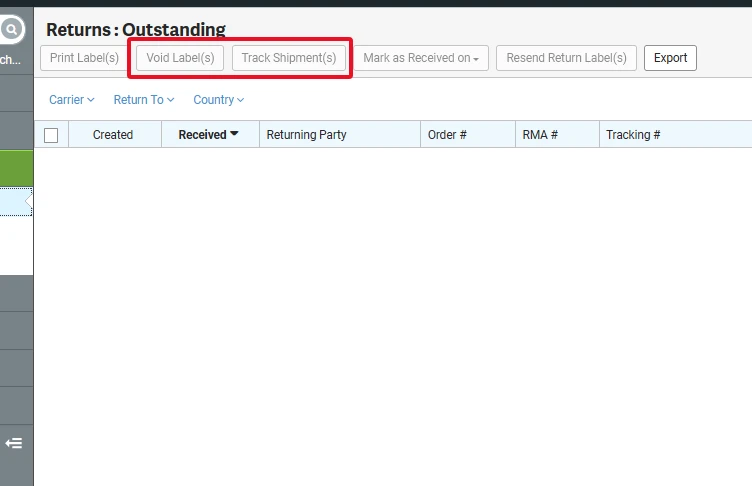
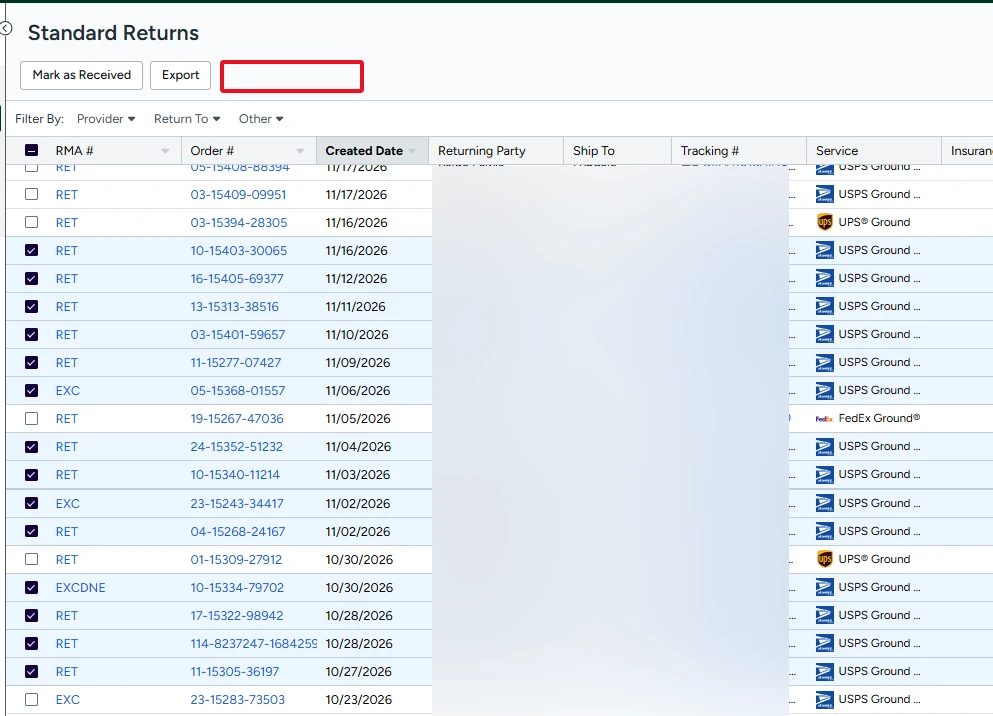
- Void Label(s) button absent from page in V3. Now have to open return detail window to get to the void option ─ which is further tucked within a drop-down menu.
- ↑↑↑ This process only allows voiding return labels ONE AT A TIME ! ! !
- Track Shipment(s) button removed in V3 also. Maybe that’s just no longer needed; Fine no biggie.
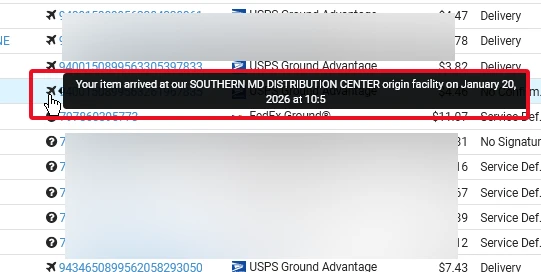
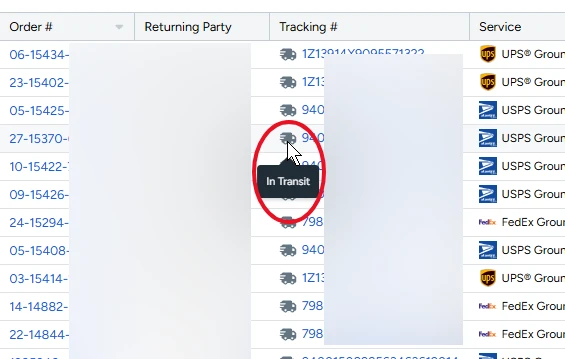
- Hovering over the status icon in V3 no longer gives you the latest specific scan detail you would see in the tracking like in V2. It is generic vague status such as In Transit / Delivered / Unknown. I hate that the ones with no scans say just Unknown, versus showing either label created, or the actual scan info. I’m not saying it doesn’t make sense, but I’d personally rather just see the “Unknown” and “In Transit” ones grouped together under “Outstanding” like in V2. And then you just hover over the icon to see the actual status.
The IDEAS
-
Bring back a Void button, as is available in V2.
-
Support voiding MULTIPLE labels at one time.
-
Eliminate need to navigate into return details window and use drop down in order to access the Void function regardless.