
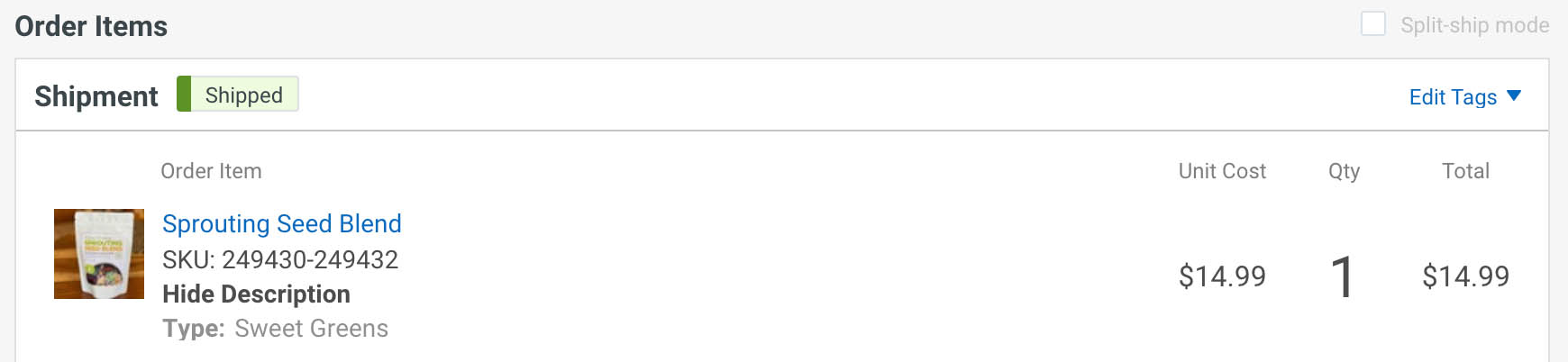
In my Woocommerce store, I have a product called "Sprouting Seed Blend," it is a variable product. There are three different "types" of this variable product. In this example, someone purchased "Sweet Greens":
The issue is that when I'm on the Scan and Verify page, it only shows the main product name, not the Type, so I have no way of knowing which "type" it's referring to:
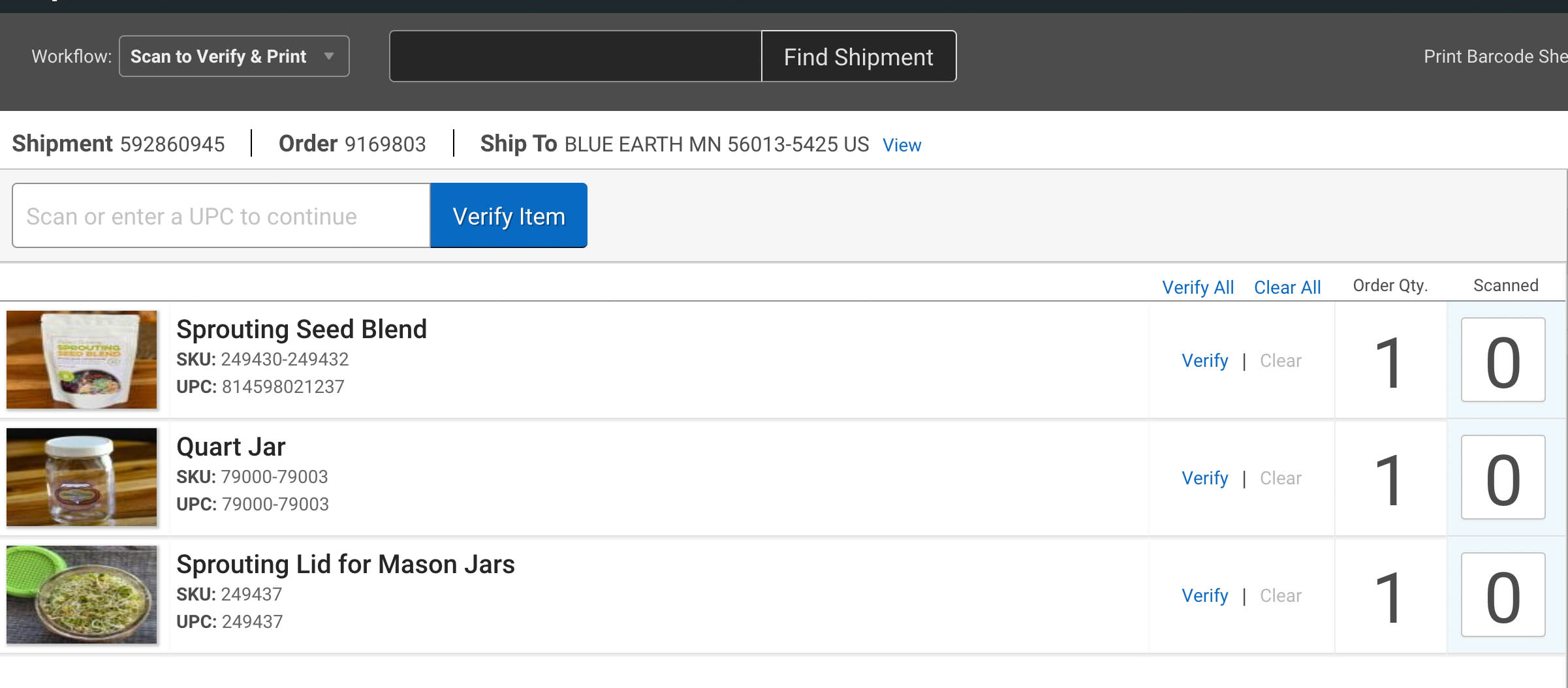
When viewing the order, it shows the Type as the "item-descriptions", so please also put the item-descriptions field in the Scan and Verify Screen.