

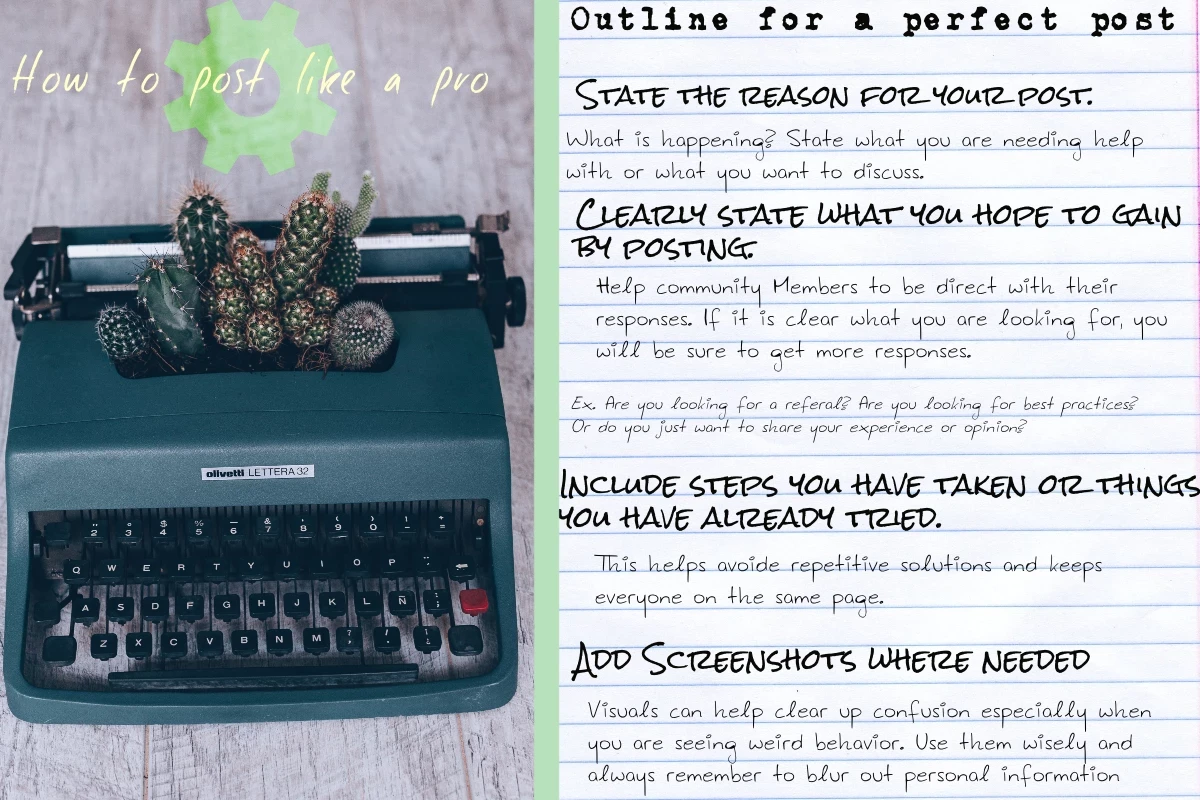
How to Optimize Your Posts for More Responses
The best posts are clear, friendly, and get to the point. They let others know exactly what you’re looking for and include just enough context to get everyone on the same page.
One simple trick I love to use when posting online or asking for help is this:
If someone else asked me this question, what follow-up questions would I have? What information would I need to help them?
Once you think through that, try to include those details right in your post. This puts you in your readers’ shoes and often leads to faster, more helpful responses—with fewer back-and-forth questions needed.
This approach works just as well for other types of posts, too! If you’re sharing feedback or making a recommendation, ask yourself:
What would I naturally ask in a face-to-face conversation about this topic?
Answering those questions upfront makes your post more engaging and useful.
Be an Active Contributor
Take a moment to browse other posts and jump in when you can. Whether you’re offering an answer, asking a clarifying question, or simply agreeing with someone, every interaction helps.
Engaging with others often creates a ripple effect—more activity means more visibility, which increases the chances that others will see and respond to your posts, too.
We want this community to thrive, and that truly wouldn’t be possible without you.
Make This Space Your Own
Don’t be shy about starting conversations—even if they’re not directly related to ShipStation. This space was created for you to connect, share, and learn from one another.
As long as posts follow our community rules, feel free to jump in, start discussions, and engage in ways that feel natural to you. This is your community.
Keep these tips in mind, and you’ll be a Community rockstar in no time
– Cara
Your Friendly ShipStation Community Manager