
Packing Slip Barcode unable to scan

  • Sep 30, 2023 11:15 PM UTC
  • 4 replies
  • 0 views

RTMartin

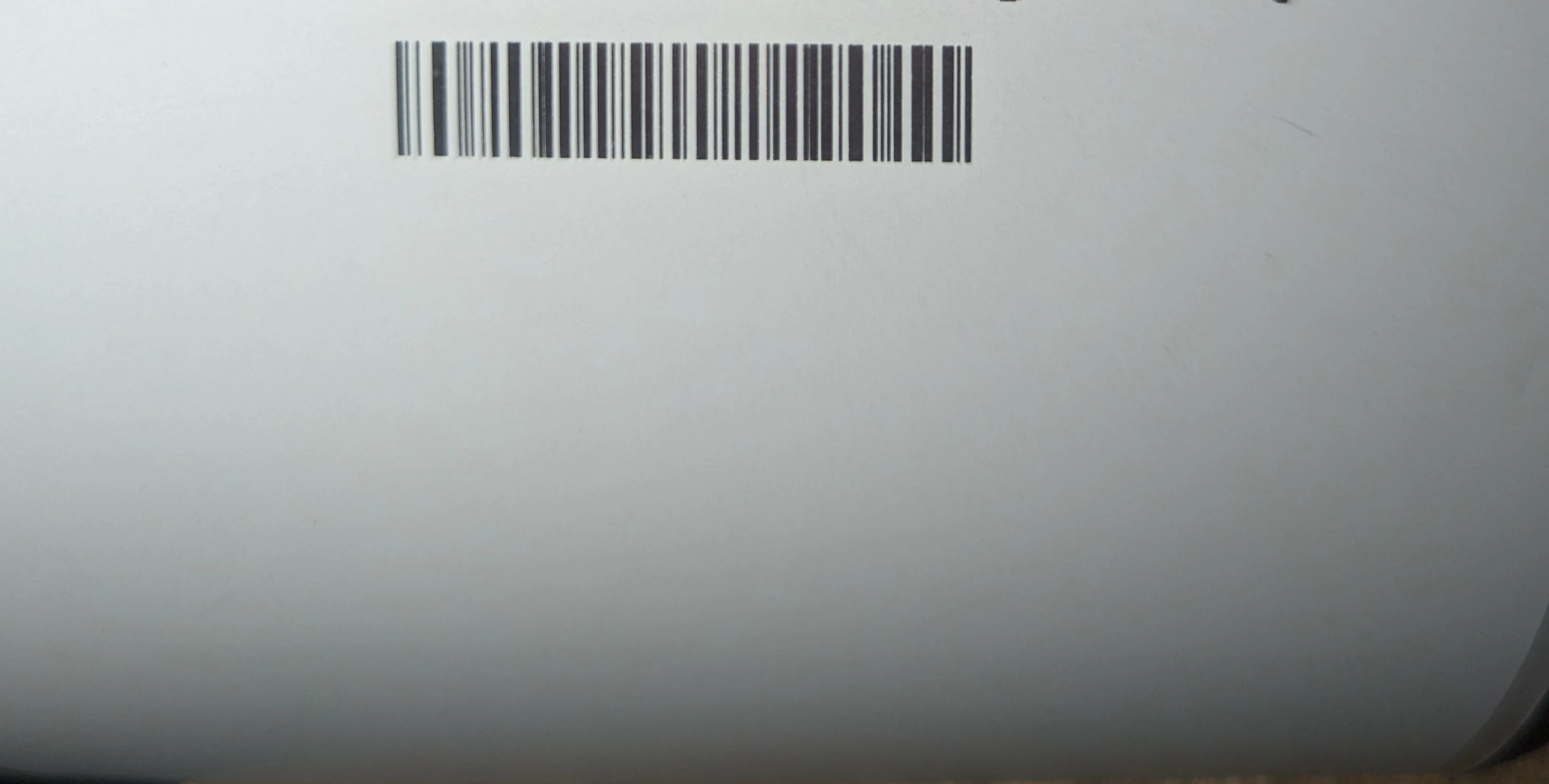
Whenever I print a packing slip, my barcode is unscanable using the barcode reader I have. 

The barcode is so small and squished together that certain bars don't have enough spacing. 


Any idea what to do? So far I've gone nuts with different thermal printer options
4 replies

Unfortunately, in my experience, the packing slip needs to be setup to print on an 8x11 to scan properly rather than be fed through with the label on a 4x6.

In some ways, there is an argument to be had that printing the label with the packing slip is skipping a step/backwards and the inability to scan that code is a good thing to promote users to scan the items via verification before the label is created.


This is what I currently do. I print all of the packing slips on an 8x11. (you can do up to 4 orders per page if you print front to back). Then, using the scan to verify to print feature within Shiptation, you can scan that order on the 8x11 into the scan area of shipstation and go from there (scan the upc's of the items until the order is verified, then print).


Hey Martin,
I found a way to increase the size of the barcode on the 4x6 label. You can go into the HTML editor for the packing slips. From there you go to the footer of your label in the editor and at the bottom you will find code for where the barcode is. It is pre-set to "x-small" for some reason. You can change that to small and it will scan


Dang... You're right it requires a Silver plan to customize the packing slips. At $60/month its probably worth it unless you are on the starter plan just so you can operate the way you want to.