Hey all,
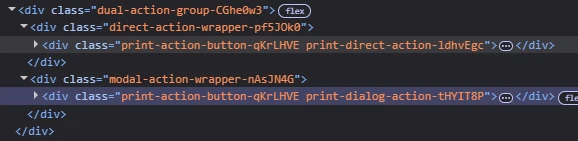
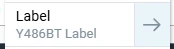
We recently started experiencing an odd issue when printing packing slips for individual orders by clicking on the → (Right Arrow) icons from this window:
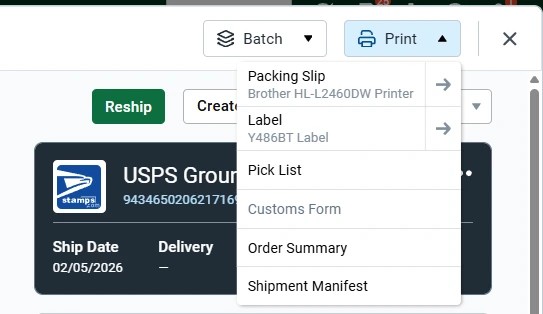
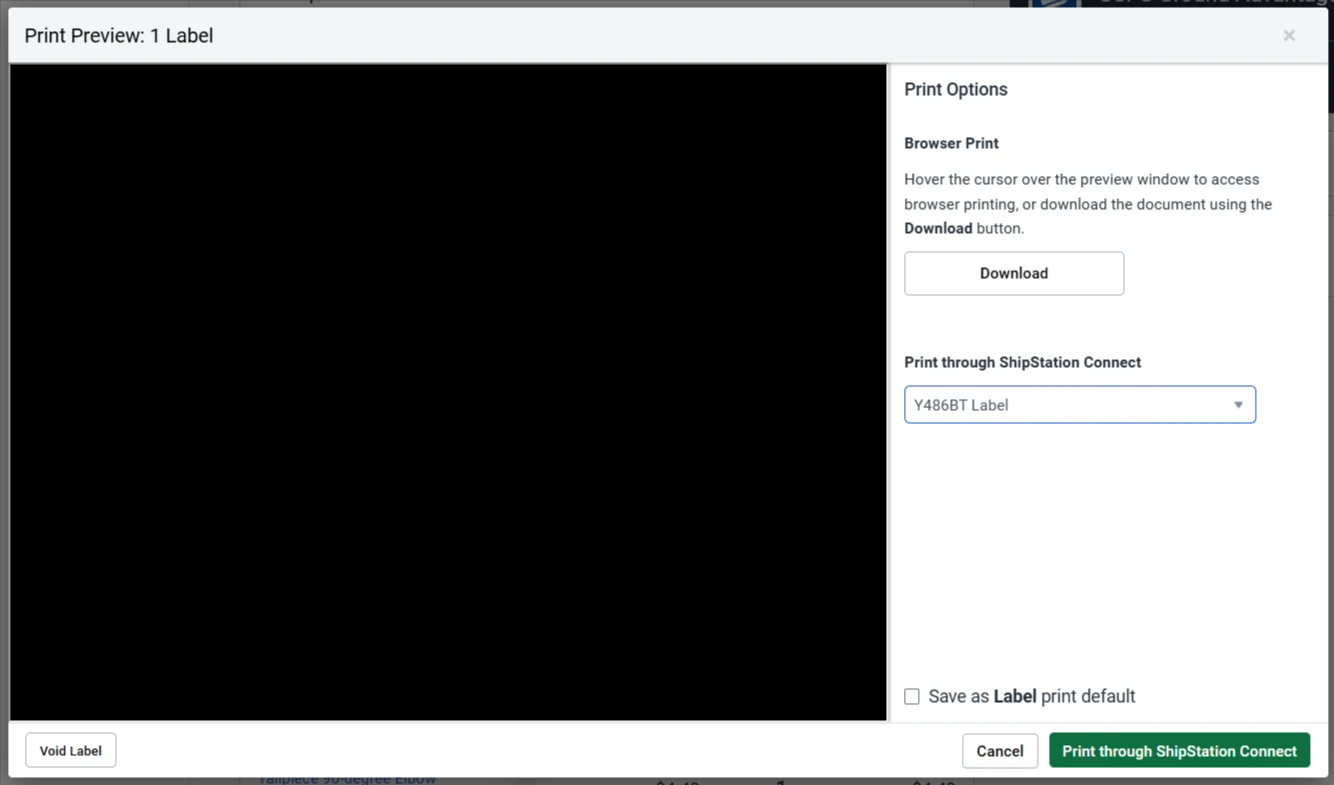
Actually, clicking the → for the Label still works as intended - it opens a Print Preview dialog. However, clicking the → for the Packing Slip no longer works as intended - it send the label directly to the printer. It no longer brings up the Print Preview window.
Note that by clicking on Packing Slip or Label directly (not the arrow) has always sent the request directly to the selected printer.
Historically, clicking on the → (Right Arrow) in the print dialog would bring up the Print Preview window that gives the option to download the label or packing slip OR print it through ShipStation Connect (as illustrated below - label blacked out for privacy).
Has anyone else seen or noticed this?
ShipStation has blamed this on our ShipStation Connect version, the computer we have ShipStation Connect installed on and a few other things. We’ve completely replaced the computer, we’ve installed the newest version of ShipStation connect, but this issue persists. They’ve suggested that we switch all printers to ‘Always Prompt’ which is not what we want to do as we prefer to have default printers selected since the → (Right Arrow) has always brought up the Print Preview prompt window.
Does anyone have any ideas/experience with this?