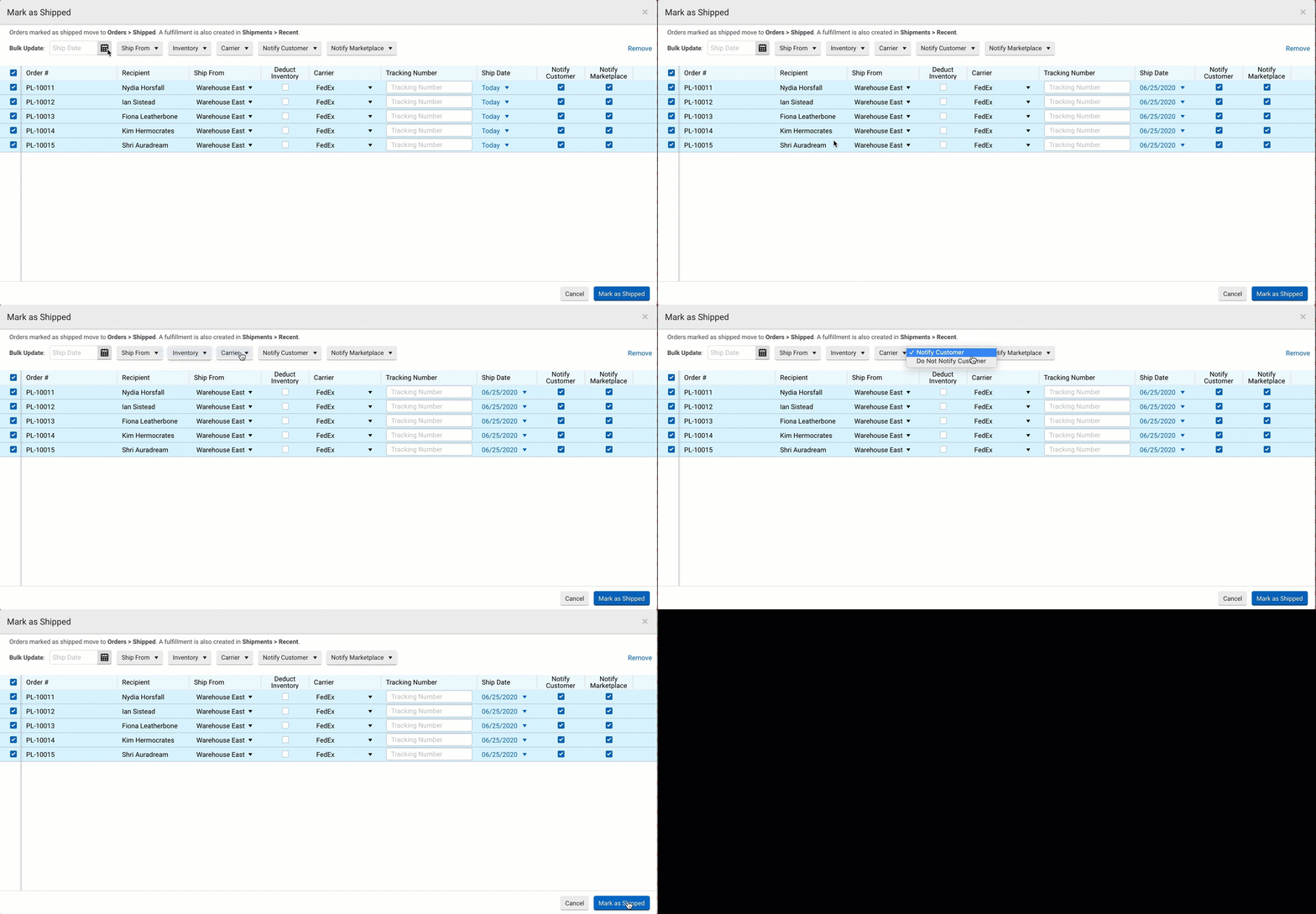
1) We dropship products often. So, we select the order, "Other Actions" > "Mark as shipped". Once I do that, I can add the third-party tracking number. When the dropdown asks for the shipper, I see USPS is often the first in the selection (not always), but UPS is way down the list. Is there a way to put UPS or the most common shippers at the top of the list so I don't need to scroll all the way down every time? The majority of the shippers I will not use. Can I put my "Favorites" or my registered shippers at the top of the list?
2) If I select two orders going to the same customer like a "split transaction", and then go to "Other Actions" > "Mark as Shipped" there is no way to distinguish which package is which to make sure I put the proper tracking information on the right package.
Thanks